Kundenradar for tax offices
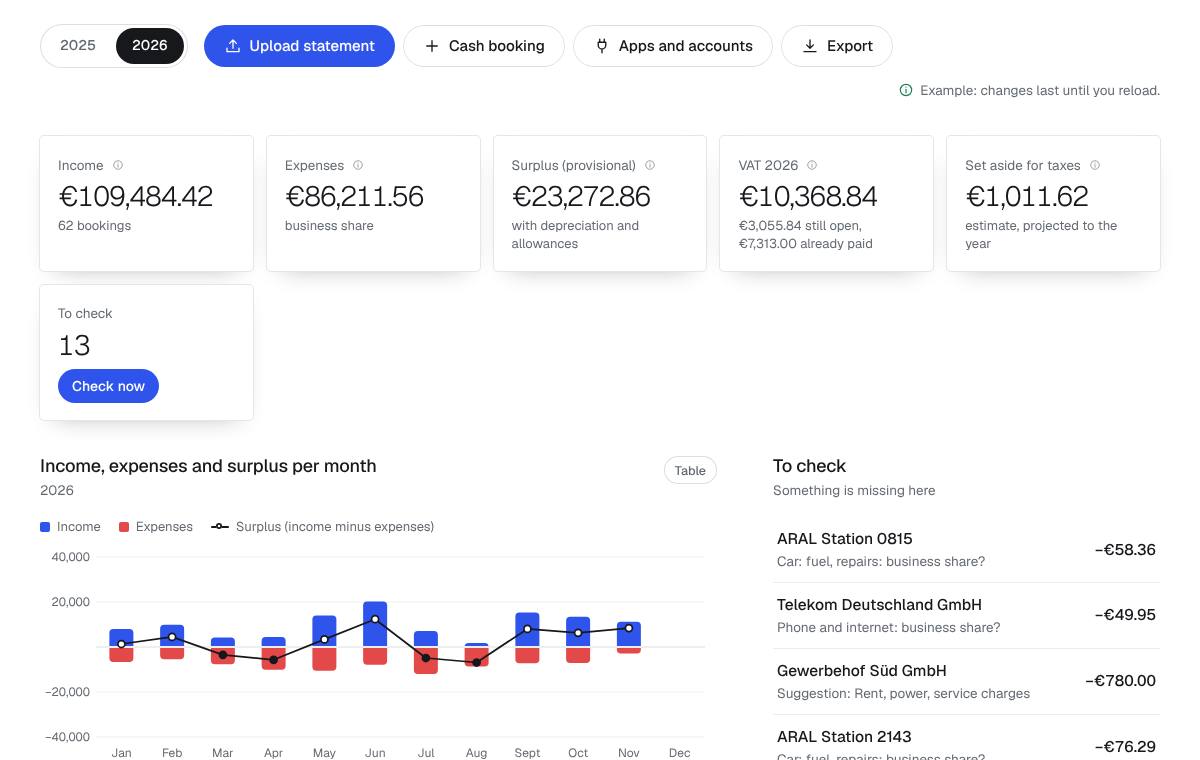
For tax offices: your clients invite you into their Kundenradar with the role “External tax advisor”. You read invoices, taxes, bookkeeping and investments, comment on bookings, mark checked months and export to DATEV.
Start free See it in the example
Access through the client
The role “External tax advisor” may view invoices, taxes, bookkeeping, investments and payments; the client can adjust the rights per area. You sign in with an account of your own; the client's browser hands you the keys of the shared areas. Alternatively there are read-only sharing links, with a list of the devices that access them.
Tax office overview
An overview shows every dashboard in which your account is the tax advisor: locked up to when, checked up to when, open comments and the last change of the bookkeeping. This overview comes from server details without contents.
Comments, checking, export
Comments per booking, “month checked” and the DATEV export (booking batch, debtors and creditors, account names, receipt package with document.xml) are in the change log. The chart of accounts follows SKR03/SKR04; best test the first import once with a sample.
What it is not: no tax office software, no interface certified by DATEV and no filing with ELSTER. Kundenradar is your clients' preliminary system; closing and returns stay in your office.